

 Our V12Mate Player


 Desktop apps



Smart TV Setup Guide - All Brands
 5-7 minutes
 LG, Samsung, Sony &
More
LG, Samsung, Sony &
More
 App Store
Hot Player
Perfect Player
Compatible Models: All Smart TV brands including LG WebOS, Samsung Tizen, Sony
Android TV, TCL, Hisense, Vizio, and other major brands
Important: If your Smart TV has the Google Play Store, please follow the Android TV
tutorial instead of this one.
Step 1: Search for Hot Player
-
On your Smart TV, open your App Store (LG Content Store, Samsung Apps, etc.)
-
In the search bar, type "Hot IPTV" or "Hot Player"

-
Select Hot Player from the search results
-
Click "Install" or "Download" to install the app on your Smart TV
Step 2: Get Your Device Credentials
-
Open the Hot Player app on your Smart TV
-
You will see your MAC Address displayed on the screen. Write this down or take a photo - you'll need it for the next step

Step 3: Configure Your Playlist Online
-
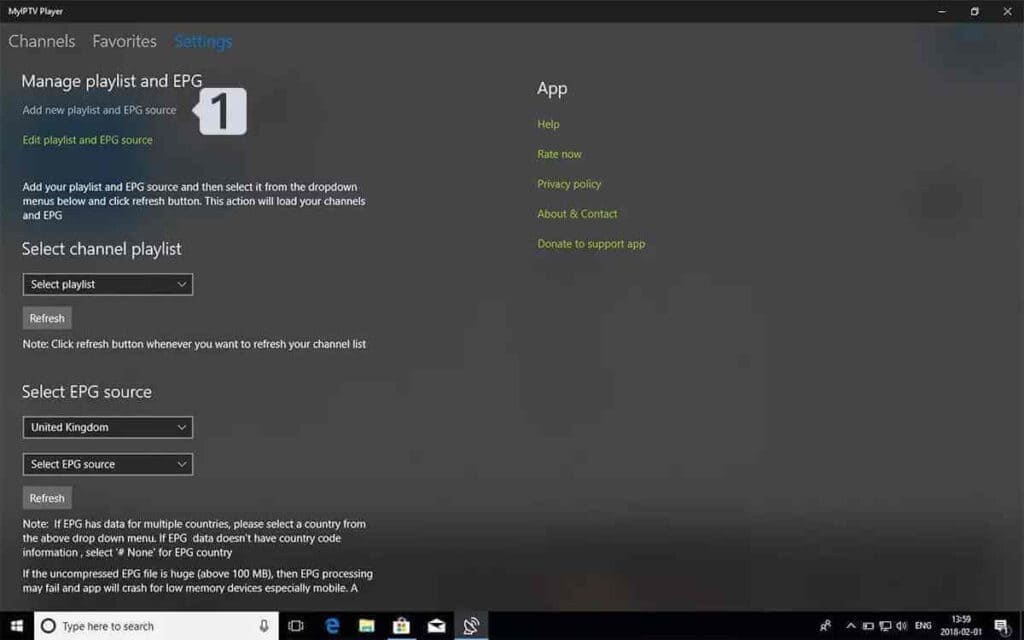
On your phone, tablet, or computer, visit: https://hotplayer.app
-
Click on "Upload List" in the menu

-
Enter the MAC Address from your Smart TV, then click "Next"

-
Change Source to "Xtream Code"

-
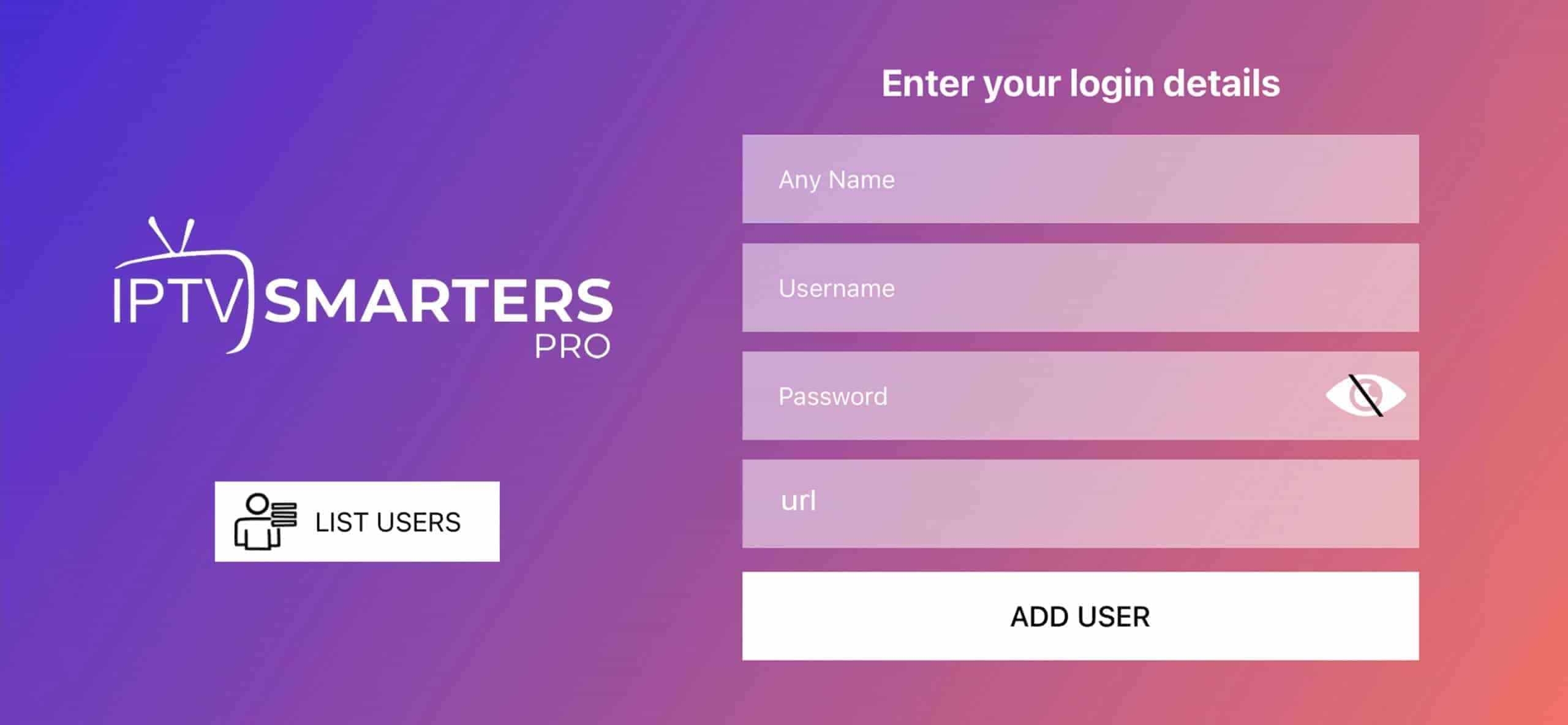
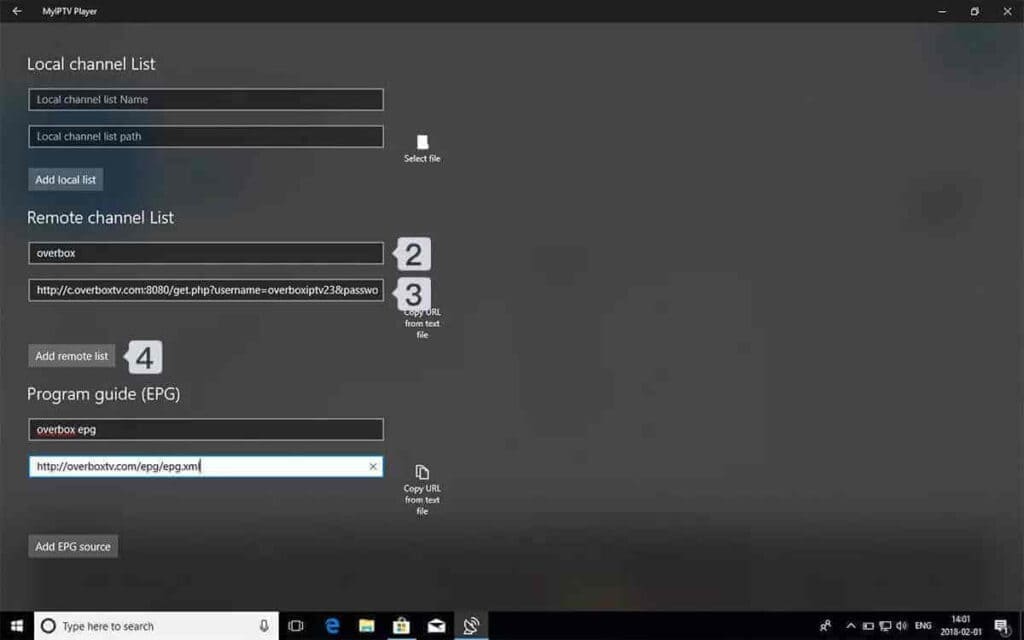
Fill in your IPTV playlist details:
• Playlist Name: Enter any name you want (e.g., "My IPTV")
• Host: Your Server Address
• Username: Your IPTV username
• Password: Your IPTV password
Then click "Save" -
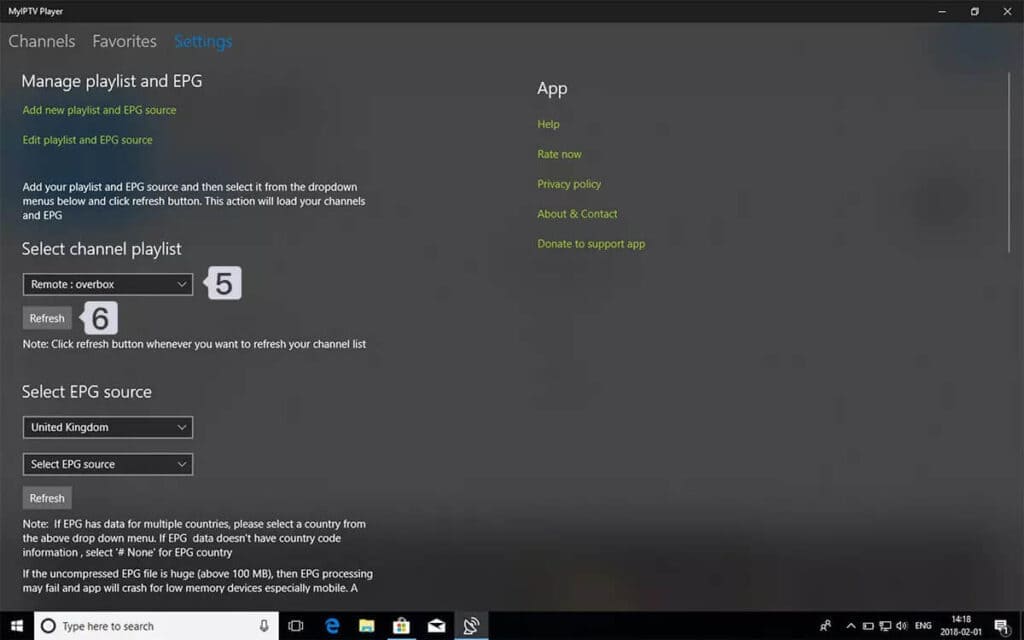
Return to your Smart TV click Refresh or restart the Hot Player app
-
Your IPTV channels should now load. You're ready to start watching!
Tip: For best streaming quality on Smart TV, ensure your device is connected to a
stable internet connection with at least 25 Mbps for HD content and 50+ Mbps for 4K content.
Frequently Asked Questions
Where do I find the MAC Address on my Smart TV?
▸
The MAC Address is displayed in the Hot Player app under the "Account" section. It's
automatically generated when you first open the app on your Smart TV.
What if Hot Player isn't available in my region or TV brand?
▸
Hot Player availability varies by region and TV brand. You can try changing your Smart TV
account region or use alternative IPTV apps like Smart IPTV, GSE Smart IPTV, or IBO Player
that are available in your TV's App Store.
How much does Hot Player cost?
▸
Hot Player costs $9 CAD for 1 year or $21 CAD for a lifetime license. The app itself doesn’t
include any channels or content — users need to use their own IPTV subscription.
Can I use multiple playlists on one Smart TV?
▸
Yes, Hot Player supports multiple playlists. You can add several playlists through the web
interface at hotplayer.app and easily switch between them on your Smart TV device.
Why are my channels not loading?
▸
Common solutions: Check your internet connection is stable, verify your IPTV credentials
(server, username, password) are correct, ensure your IPTV subscription is active, restart
the Hot Player app, or contact your IPTV provider for support.
Which Smart TV brands support Hot Player?
▸
Hot Player is available on most major Smart TV platforms including LG WebOS, Samsung Tizen
OS, Android TV (Sony, TCL, Hisense), and some other brands. Availability may vary by region
- check your TV's app store to confirm.
 XC API Login